Report it through Sunland Park Connect, the City’s app for service requests. You can download the app or submit a request online at sunlandpark-nm.gov/connect. Your request is sent to the right department, and you can track its progress.
SERVICES

Cybersecurity
Protects City systems and resident data through security monitoring, updates, and safe technology practices.

Technical Support
Provides help desk support, troubleshooting, and equipment setup for City employees and departments.

Hardware & Software Management
Activities, in coordination with other emergency organizations, that prevents the unnecessary loss of life or complications of injury in the case of accidents or sudden illness.

Phone & Telecommunications
Supports City phone systems, mobile devices, and communication lines between departments.

Media Relations
Serves as the City’s point of contact for news media, interview requests, and official statements.

Website Administration
Manages the City website platform, the online calendars, and the digital tools residents use every day.

Community & Digital Outreach
Connects residents with City programs and updates through official city channels and through partnerships with schools, organizations, and neighborhoods.

Design & Visual Media
Creates flyers, signage, and publications for City departments, and photographs City events, projects, and milestones, all in line with the City’s visual identity standards.
Our Projects
Sunland Park Connect
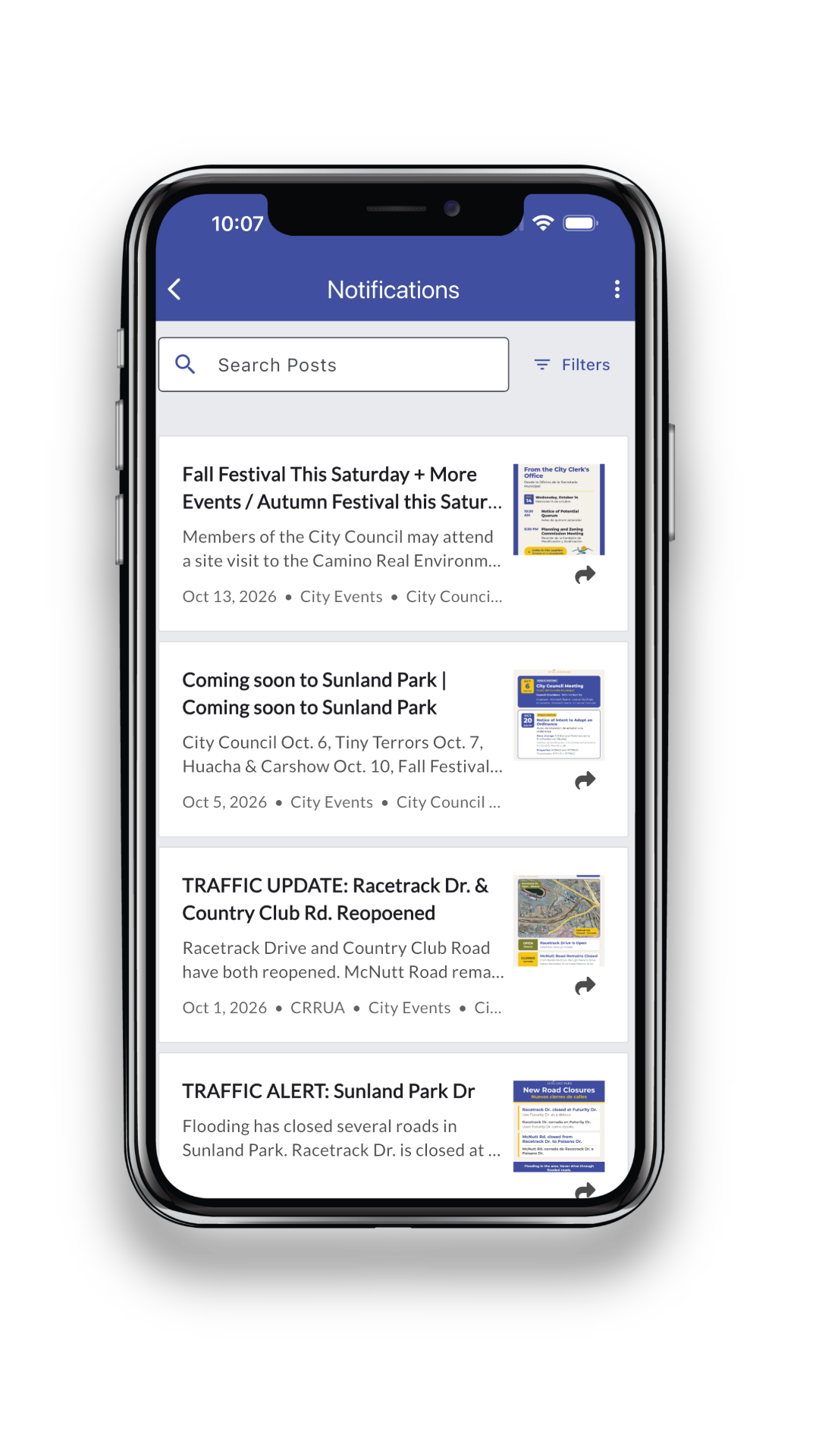
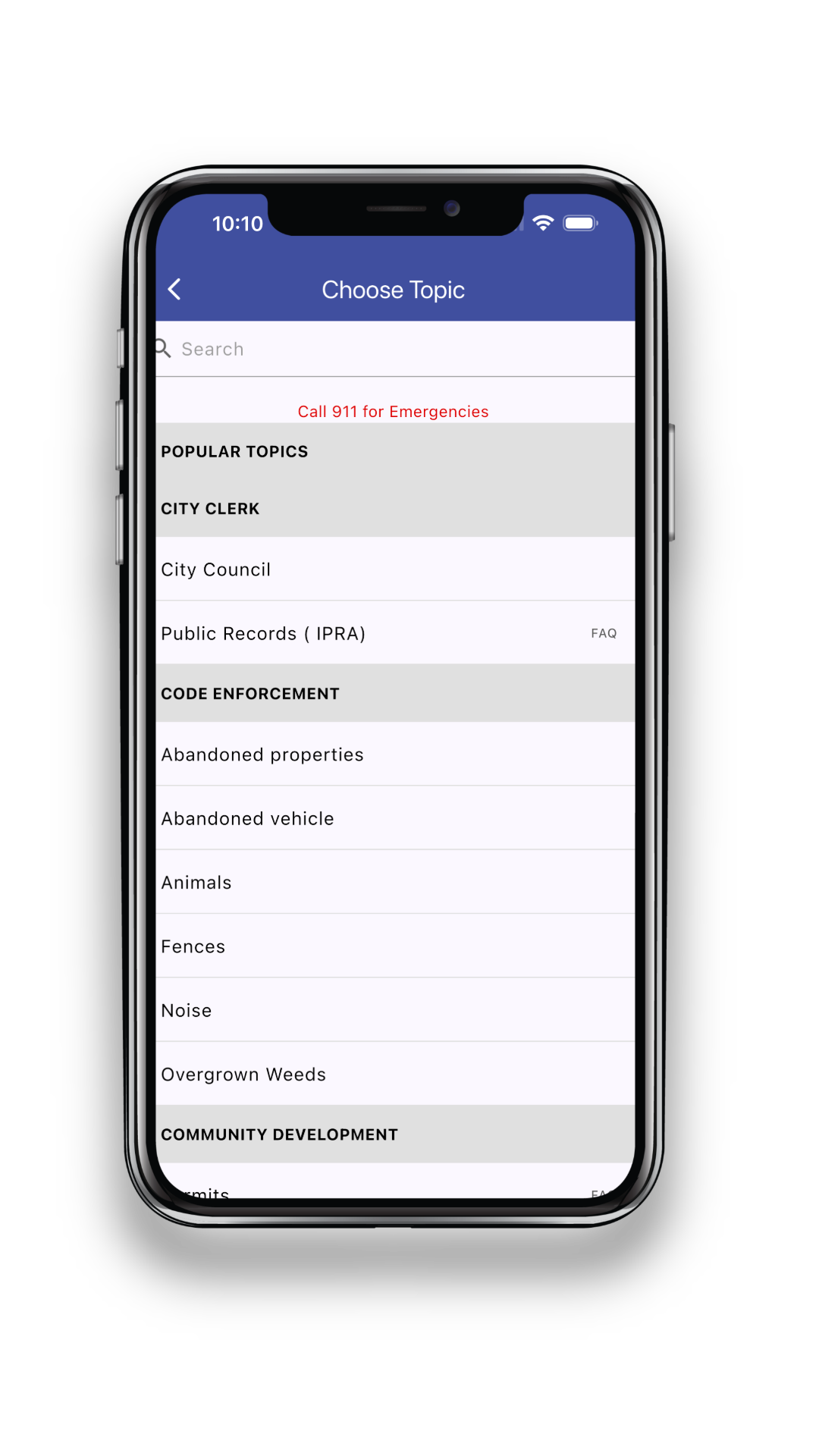
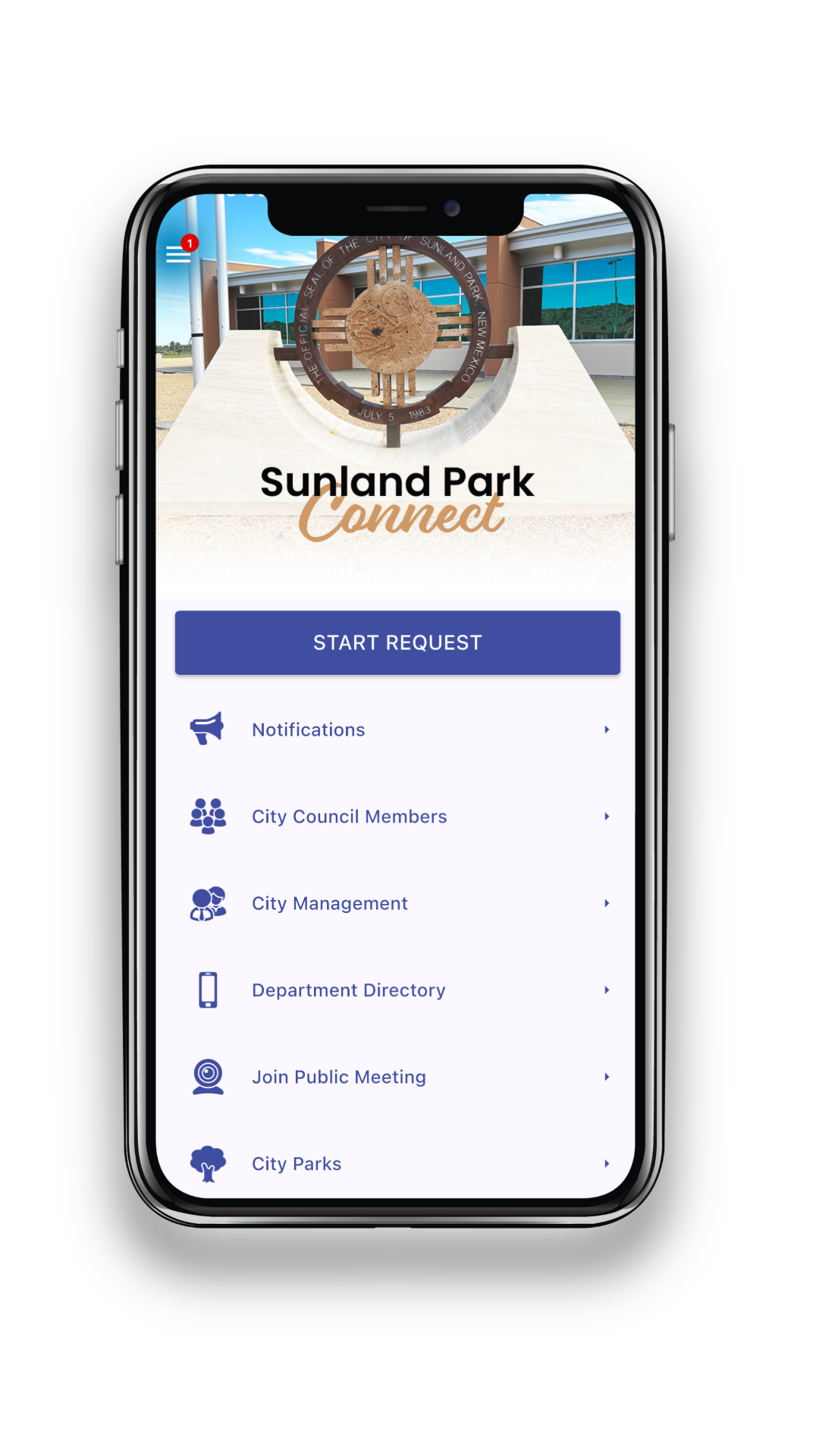
IT & Communications launched Sunland Park Connect, the City's official app, so residents can reach City Hall from their phones. Report non-emergency issues, get city news and traffic alerts, and find the right department in a few taps.
- Submit Requests
- City Notifications
- Department Directory
- Public Meetings
For emergencies, call 911. The app is for non-emergency requests only.
LEADERSHIP & STAFF

Luis Ruvalcaba
Technology & Communications Director
Luis.Ruvalcaba@sunlandpark-nm.gov

David Madrid
Systems Administrator
David.Madrid@sunlandpark-nm.gov

Jairo Quezada
Technical Support Specialist
Jairo.Quezada@sunlandpark-nm.gov

Yasmine Al-Harbi
Public Information Officer
Yasmine.AlHarbi@sunlandpark-nm.gov
City Channels
Stay Informed
Get news, updates, and important notices straight from the City of Sunland Park. Follow us on social media, sign up for alerts, and check the calendars for upcoming events and public meetings.
Follow the City
 Facebook
City of Sunland Park, New Mexico
(opens in a new tab)
Facebook
City of Sunland Park, New Mexico
(opens in a new tab)
 Instagram
@cityofsunlandpark
(opens in a new tab)
Instagram
@cityofsunlandpark
(opens in a new tab)
 LinkedIn
City of Sunland Park
(opens in a new tab)
LinkedIn
City of Sunland Park
(opens in a new tab)
 YouTube
@CityofSunlandParkNM
(opens in a new tab)
YouTube
@CityofSunlandParkNM
(opens in a new tab)
City Resources
City News
Announcements, press releases, and project updates
Sunland Park Connect
Report issues, track requests, and get City notifications
City Events Calendar
Community events, programs, and activities
Public Meetings Calendar
Dates and schedules for upcoming public meetings
Official City channels: The accounts and pages above are the City of Sunland Park's official city-wide channels. Some departments, like the Library and Fire Department, also share updates on their own accounts, which are linked on their department pages.
To report an issue or request a service, please use Sunland Park Connect instead of social media comments or messages so your request can be tracked and routed to the right department.
FREQUENTLY ASKED QUESTIONS
How do I report a pothole, graffiti, or a broken streetlight?
How do I sign up for City alerts and notifications?
Is the website available in Spanish?
Yes. Select the flag button near the bottom of the screen to translate the website into Spanish.
Can I report an issue through Facebook comments or messages?
No. Facebook comments and messages are not monitored for service requests. The best way to report an issue is through Sunland Park Connect, where your request can be tracked and sent to the right department.
How can my organization get an event shared by the City?
Community organizations can submit events for the City Events Calendar by emailing events@sunlandpark-nm.gov. Submissions are reviewed before posting, and approved events are listed on the City Events Calendar only. Community events are not shared on City social media. Please review the Community Event Calendar Guidelines before submitting.
Community Event Calendar Guidelines
The City of Sunland Park welcomes community organizations to share events on the City Events Calendar. Please review these guidelines before submitting.
Who Can Submit
- Nonprofits, schools, community groups, and local organizations hosting events open to the public in Sunland Park or for Sunland Park residents.
Eligible Events
- Events that are open to the public and offer a benefit to the community, such as resource fairs, cleanups, health clinics, workshops, and family activities.
Events Not Eligible for the Calendar
- Events that promote a political candidate, campaign, or ballot measure
- Commercial sales or promotions that mainly benefit a private business
- Fundraisers for private individuals
- Private or invitation-only events
- Events that include discriminatory, explicit, or unlawful content
How to Submit
Email events@sunlandpark-nm.gov with the subject line CALENDAR REQUEST: [Event Name] and include:
- Event name and hosting organization
- Date, start time, and end time
- Location name and full address
- A short description (two to three sentences)
- Cost, if any, and registration details
- Public contact name, phone number, or email
- Website or registration link, if available
- Event flyer (PDF, JPG, or PNG), if available
Timeline
- Submit your request at least 14 days before your event.
- Incomplete or late submissions may not be posted.
Review and Posting
- All submissions are reviewed before posting. Submitting an event does not guarantee it will be listed.
- The City may edit event descriptions for length, clarity, and formatting.
- Approved events are posted on the City Events Calendar only. They are not shared on City social media, the City website’s news page, or Sunland Park Connect notifications.
- The City may decline or remove any listing that does not meet these guidelines.
Changes and Cancellations
- Email events@sunlandpark-nm.gov as soon as possible if your event changes or is canceled.
Please Note
- A calendar listing does not mean the City sponsors or endorses the event.
- Organizations may not use the City logo or seal, or describe their event as City-sponsored, unless the City has approved it.
- A calendar listing does not reserve a City facility or replace any permits your event requires.
How do I request photos from a City event?
Submit a public records request at forms.sunlandpark-nm.gov/public-information-request.
I’m a reporter. Who do I contact?
Email media inquiries to the Public Information Officer, Yasmine Al-Harbi, at yasmine.alharbi@sunlandpark-nm.gov.
What should I do if I smell natural gas, whether inside or outside?
Natural gas leaks can be dangerous and are to be taken seriously. Don’t activate any ignition source, such as turning on a light, lighting a match or turning on the stove. Evacuate yourself and your family immediately and then call 911 to report the odor. The Sunland Park Fire Department will be dispatched to your home to assess the severity of the situation by using special gas detectors.
How do I report a broken link or a problem with the website?
Submit a general request through the Sunland Park Connect app or online at sunlandpark-nm.gov/connect.
How do I request a public record?
Public records requests are handled by the City Clerk’s Office under the New Mexico Inspection of Public Records Act (IPRA). Submit your request online at forms.sunlandpark-nm.gov/public-information-request.
Can I use the City logo for my event or project?
The City logo is reserved for official City events and City-sponsored events. If your event is City-sponsored, coordinate with the Communications Department during the planning process so your materials can be designed to City standards.
City of Sunland Park
Visual Identity Standards
The official logos, colors, and fonts for all City of Sunland Park flyers, notices, and designs.
Download the Standards (PDF)
01
Official Logos
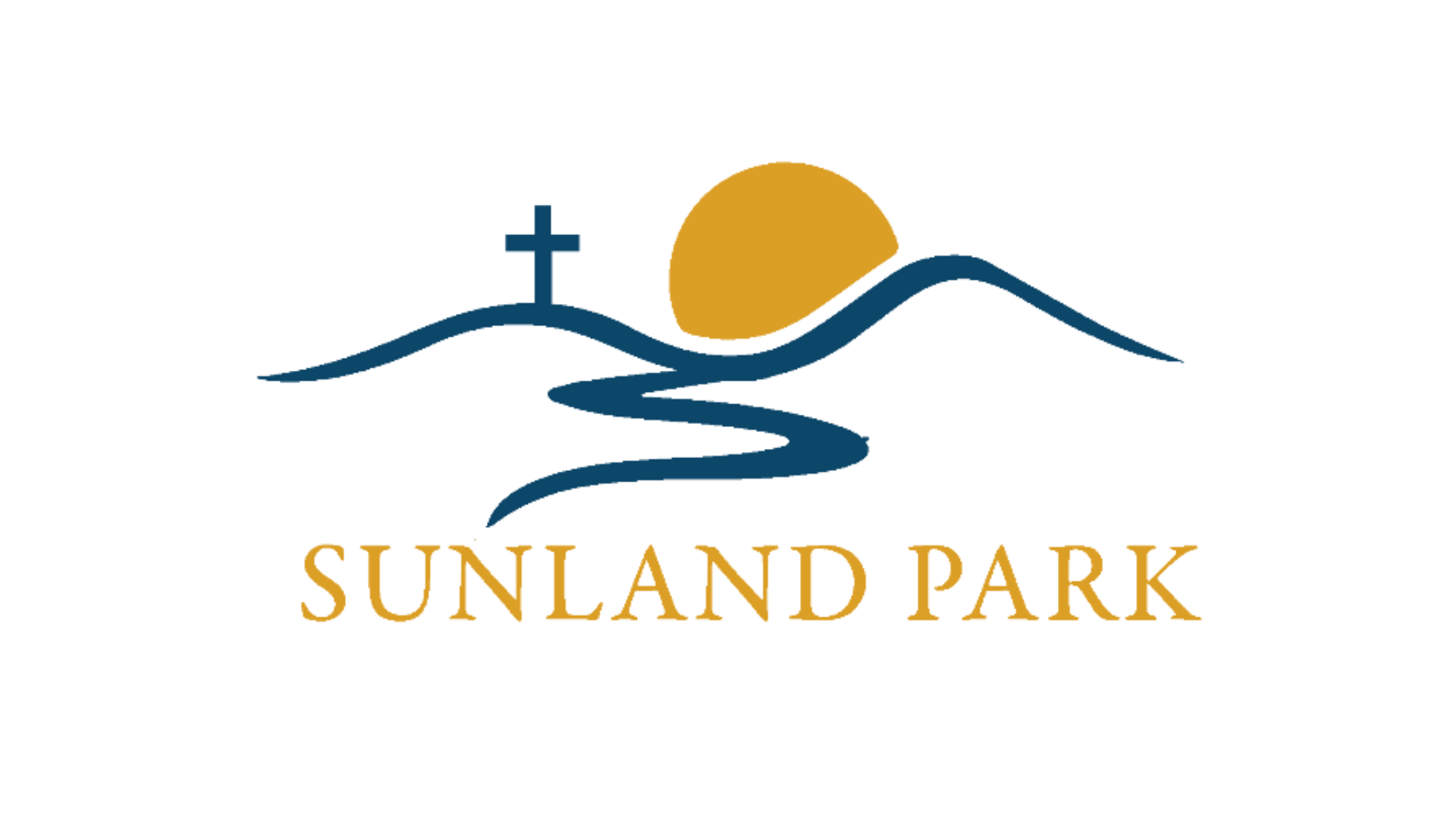
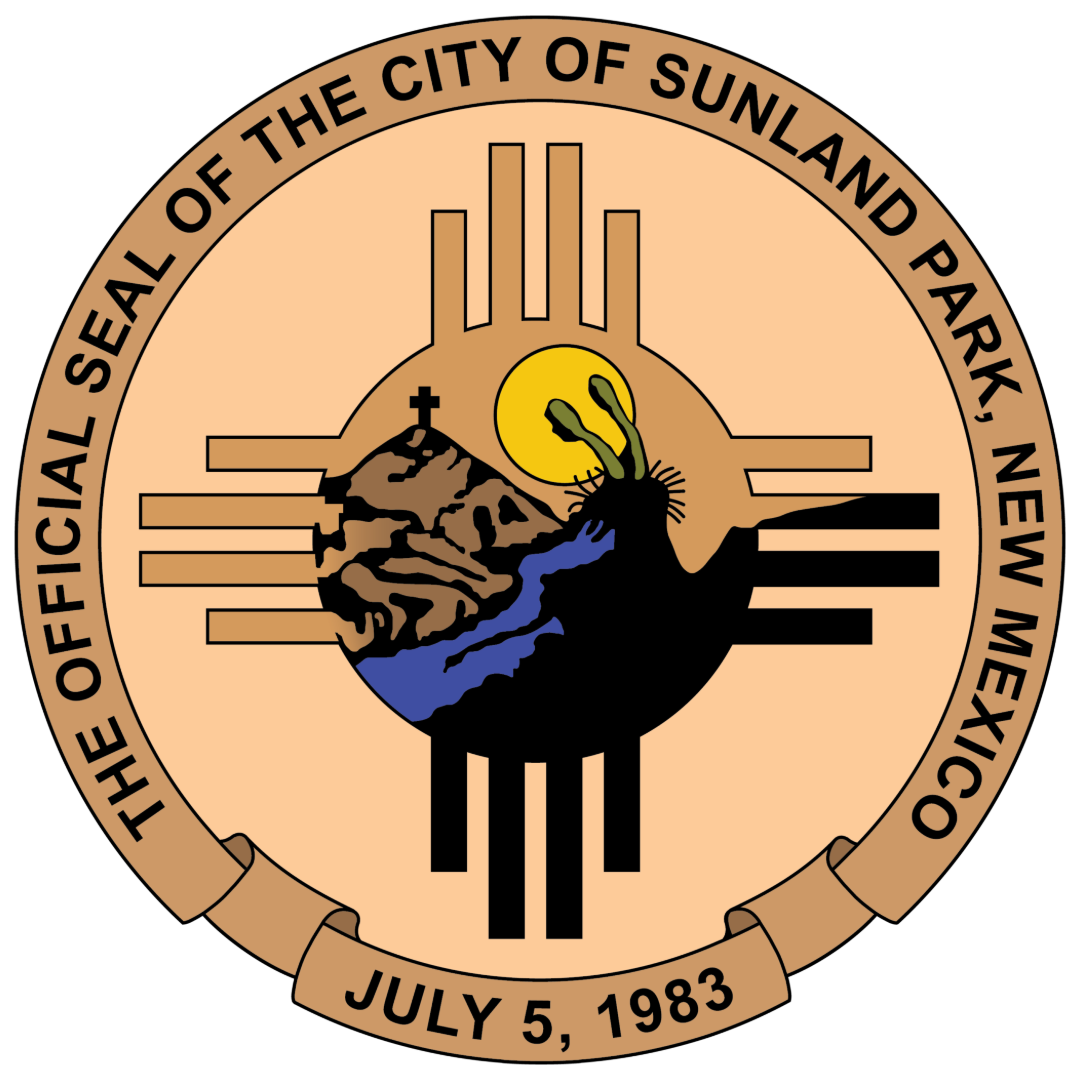
Formal Use
The City Seal
Reserved for formal documents, public notices, and official announcements.
Download PNG
Approved
Full color, full black, or full white

Never
Stretch, skew, or rotate
02
Color
Primary Blue
Use for headings and primary design assets.
Secondary Gold
Use for accents and call-to-action buttons.
Neutral Gray
Use for body text and secondary information.
Official Palette
Neutral Palette
Click or tap any color to copy its hex code.
03
Typography
Headings
Montserrat Bold
Clear, authoritative, and easy to read.
Body Text
Montserrat Regular
High legibility for long descriptions.
Montserrat is a free font available from Google Fonts.
Get Montserrat